
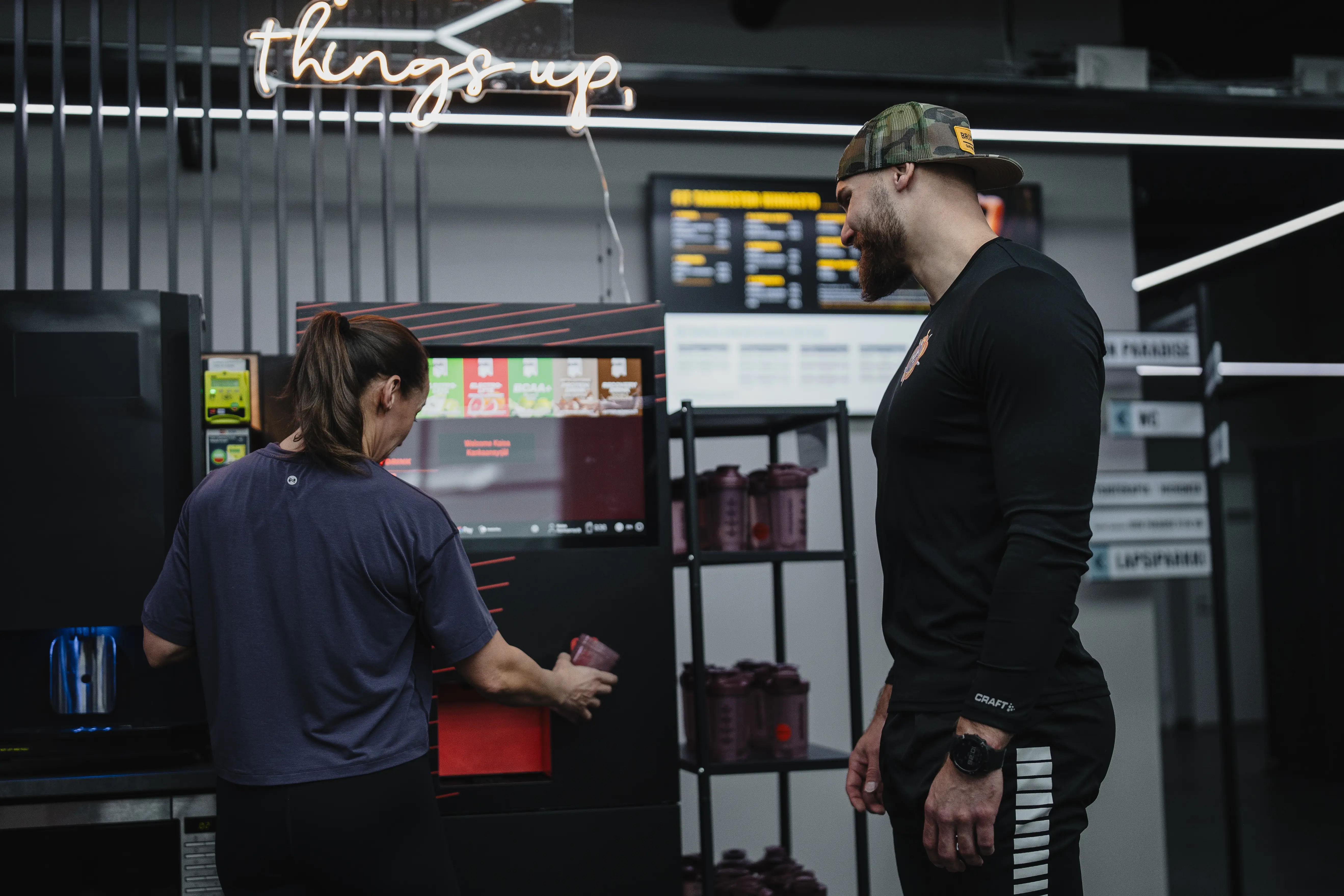
The machine runs itself.
You just check in.
Optishake Backstage is where your team keeps the show running — live machine status, today’s tasks, the monthly inventory, and a direct line to us. Under ten minutes a day at the machine — and the status in your pocket wherever you are.


Open it wherever you already are.
Any browser
Nothing to install. Sign in at backstage.optishake.info from the front desk computer, a tablet or a phone.
iPhone & iPad
The native app adds push notifications and shaker sign-in — hold your shaker to the phone and you’re in.
Android
The same app and the same account, picking up exactly where the browser left off.
See more than before.
Do more than before.
No walking over to check. No powder running out unnoticed. No asking the group chat whether someone already did today’s round.
Live machine status
One glance tells you what’s been done, what’s due and what’s overdue — from the office, from home, from another city entirely.
The daily checklist
Seven maintenance tasks, each with its own interval: rinsing, containers, nozzles, collars, drainage tray, inside and out. Tick them off as you go and the next due date sets itself.
Monthly inventory
Count, type, send — on the phone, standing at the machine. Last round’s extras come along for the ride, so the dull part is half-filled already.
A heads-up before it runs dry
Backstage watches the drinks served since the containers were last checked, and says something when a powder is getting low — before a member meets an empty machine.
Message Optishake
One thread per topic: the machine, powders, flavours, people. We answer within one business day, and the answer lands back in the app — no lost WhatsApp thread.
Beep your shaker to sign in
Hold your Optishake shaker against the phone and you’re in. No password, no typing — the same tap that starts a drink.
Under ten minutes, and it’s done.
No training day, no manual, no one person who’s the only one who knows. Anyone on the team can pick it up on their first shift.
- 01
Open and look
One screen says whether anything needs you today. Most days, nothing does — and knowing that is the point.
- 02
Do the round
Rinse, wipe, top up the containers. Tick each task as you finish it; the machine’s history writes itself.
- 03
Say something
A note for the next shift, or a question for us. Either way it reaches the right people, and you get an answer back.
You can see much more than before — and do much more than before.
That’s the whole idea. Backstage isn’t another system to learn. It’s your machine, in your pocket, with the guesswork taken out.
A recovery bar your team can actually run.
We deliver it, install it and handle the restocking orders. Your team keeps it fresh in under ten minutes a day — and Backstage tells them exactly which ten minutes, so nothing depends on anyone remembering.
Get Optishake for your gym →Stuck? We’re one message away.
A question about the machine, a sign-in link that never turned up, or something else entirely — here’s how to reach a real person.
Message us in the app
Open Backstage → Messages → Write a message. Pick what it’s about, tell us what’s going on, and we answer within one business day. Share the answer and your whole gym team sees it.
Open Backstage →Email us
Write any time. Include your gym’s name and, if you know it, the machine number — it gets you a faster answer.
hello@optishake.infoCall us
For anything that can’t wait — a machine that’s down, or a delivery that hasn’t arrived.
+358 41 3133 200Common questions
How do I get access?
Backstage knows you by the email address your gym registered with the machine. Sign in with that address and your machines appear on their own — there’s no account to create. If nothing shows up, message us or ask your Optishake contact to add you.
The sign-in link never arrived.
Check the spam folder first, and make sure you used the same address the gym registered. Open the link on the device you’re signing in on — a link opened on a different phone won’t finish the job. Still nothing? Email hello@optishake.info and we’ll sort it out.
Do I need the app, or is the browser enough?
The browser does everything except push notifications and shaker sign-in. backstage.optishake.info works on any device with the same account, so you can start on the front desk computer and finish on your phone.
I’m getting too many notifications.
Open Account and switch off the gyms you rarely look after. You keep the alerts for the ones you do, your colleagues keep theirs, and an answer to something you asked always reaches you.
How do I add or remove someone on the team?
Message us with the name and email address and we’ll do it. Admin access is tied to the machine itself, so we keep the two in step rather than leaving you to change it twice.
Can I lose my shaker and lock someone out?
Tell us and we’ll kill that shaker’s access on the spot. It stops being a key the moment we do — your account and everything in it are untouched.
What does it cost?
Nothing. Backstage comes with your Optishake machine, for as many of your team as need it.
How do I delete my account?
Email hello@optishake.info from the address you sign in with and ask us to delete your Backstage account. We remove your access, the phones and tablets you registered, and your notification settings. The maintenance and inventory reports you filed stay on the machine’s record — that’s the gym’s service history, and the gym needs it to show the machine has been looked after.
Backstage stores what it needs to run your machines — who you are, which machines you look after, and what’s been done to them. Read the privacy policy →
Optishake Oy · Läkkisepäntie 11, 00620 Helsinki, Finland